This process will help to add a new license
This article will be helpful for management and quality manager who has access to licenses module to add/edit license and certificates.
Add New license
How to add a new license
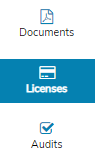
- Click on the license module on the left bar
- Click on “ADD NEW LICENSE /CERTIFICATE”
- Select the list of license that needs to be entered or Write the name of the license if not found on the list
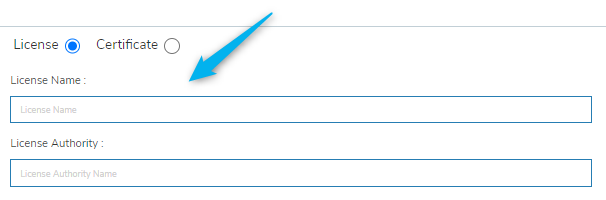
- Upload the image of the license and click on save.
Edit / Update License
How to Edit / Manage existing license
- Click on the license module on the left bar
- Click on “License which need to be modified”
- Click on “Manage”
- Modify Name, dates, assign to or replace the image if needed.